Assessment
Meet SkillBrew.AI's Hiring Assessment Builder
Most hiring assessments give you one way to build a test: a form with a question bank attached, and you fill it in yourself. That works fine until you're building your fifth one of the week for a role where the job description keeps changing. SkillBrew.AI built its Hiring Assessments platform around a different question: what if setting one up took as little effort as describing the role you're hiring for? Here's what's actually inside the Assessment platform. Table of Contents 1. Two Ways

Most hiring assessments give you one way to build a test: a form with a question bank attached, and you fill it in yourself. That works fine until you're building your fifth one of the week for a role where the job description keeps changing.
SkillBrew.AI built its Hiring Assessments platform around a different question: what if setting one up took as little effort as describing the role you're hiring for? Here's what's actually inside the Assessment platform.
Table of Contents
- Two Ways to Build Hiring Assessments
- The AI Route: Describe the Role, Get a Test
- The Manual Route: Pick, Customize, Add Your Own
- Coding Questions Come With Test Cases and a Solution, Recruiter-Only
- Enrolling Candidates and Publishing
- Proctored or Unproctored, Your Call
- What Hiring Assessments Actually Cost
- Frequently Asked Questions
Two Ways to Build Hiring Assessments
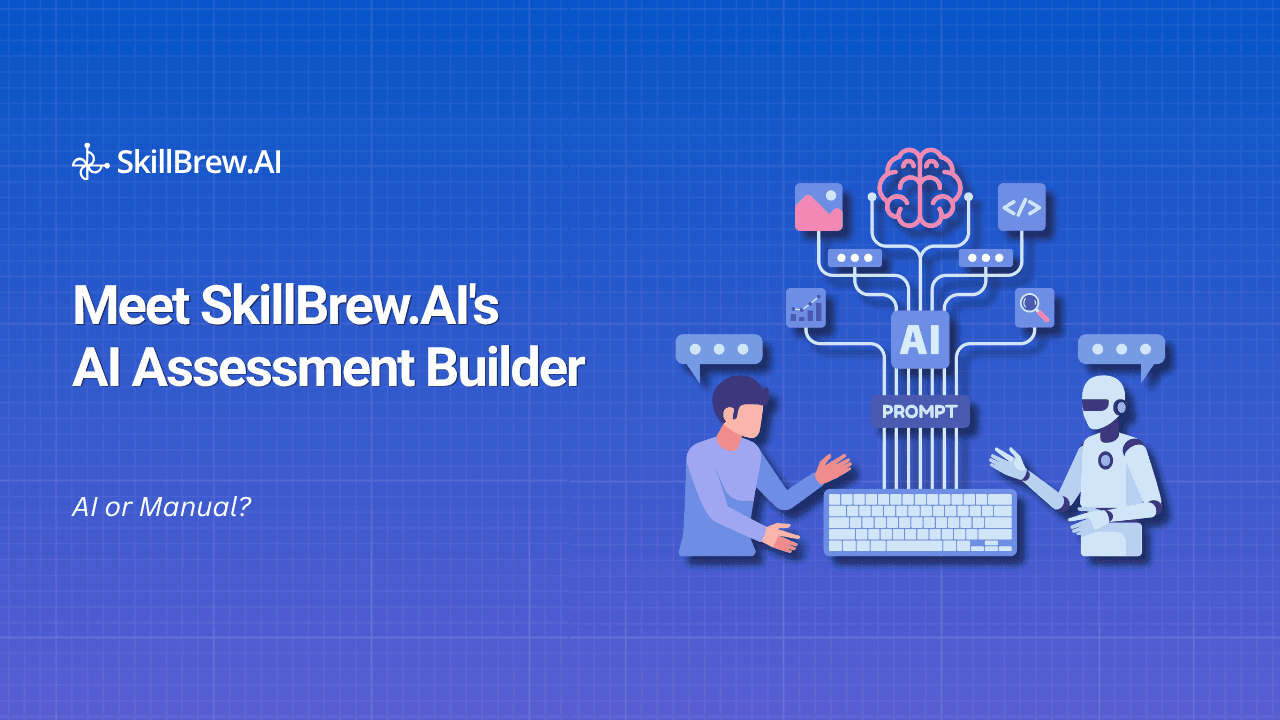
Open the builder and the first decision is how hands-on you want to be. There's an AI-generated route for building hiring assessments fast, without touching a question bank, and a manual route for when you want full control over exactly what candidates see. Neither is the "real" way to run technical assessments. They're built for different moments in a recruiter's week, and most teams end up using both depending on the role.
The AI Route: Describe the Role, Get a Test
This mode starts with a prompt, not a blank form. Tell it the name of the test, the duration, and how many questions you want across MCQs, single-correct questions, and coding problems, and it puts the whole thing together, pulling relevant, role-specific questions instead of generic ones lifted from a static bank.
This is the route built for volume. If you're running six of these a week across six slightly different roles, writing each one by hand doesn't scale. Describing each one does.
Here's roughly what that prompt looks like in practice:
Assessment name: Backend Engineer, Node.js (2-4 yrs)
Duration: 45 minutes
Question mix: 10 MCQs (JavaScript fundamentals, async patterns), 5 SCQs (system design basics), 2 coding problems (API design, database query optimization)
Difficulty: Mid-level, avoid trick questions
That's the entire input. The builder handles the rest, generating a role-specific test with question wording, options, and coding problems that actually match a Node.js backend role instead of a generic engineering template. Change the duration or question mix, and it regenerates instantly rather than sending you back to a blank page. It's what makes AI-generated hiring assessments practical for teams hiring across several roles at once.
The Manual Route: Pick, Customize, Add Your Own
The other route hands you full control over exactly what's inside. You pull from a curated question bank set up at the admin level, one recruiters don't edit directly, so quality and difficulty stay consistent across every test your team publishes. On top of that bank, you can add your own questions: the ones specific to your stack, your team's actual workflow, or a skill only this particular role needs to test.
Teams hiring for something unusual, a legacy tool, a niche framework, a very specific take-home style problem, tend to lean manual. Teams running standard hiring assessments at volume tend to lean AI. Either way, you're building on a bank your admin panel already trusts, not starting from zero. Most use both, depending on the week.
Coding Questions Come With Test Cases and a Solution, Recruiter-Only
Every coding question in your hiring assessments, whether it came from the AI route or was added manually, comes with its own test cases and a working solution. When a candidate submits code, it runs against those test cases automatically, no recruiter opening a code editor to trace through logic line by line. That solution stays visible only to the recruiter, never the candidate, so you can grade a submission against a known-correct answer without ever exposing what "correct" looks like mid-test. What lands in your dashboard is a scored result, pass/fail per test case, not a wall of raw code waiting to be manually reviewed. It's the difference between grading against a reference and grading on a hunch, and it's a big part of why coding assessments here hold up under scrutiny.
Enrolling Candidates and Publishing
Once your hiring assessments are built, getting them in front of candidates is two steps: enroll, then publish. Enrolling adds candidates to the list. Publishing makes it live and sends the invite. Candidates get notified two ways, a notification inside the platform and an email to the address they registered with, so nothing sits unread in a single inbox.
Proctored or Unproctored, Your Call
Every test can run proctored or unproctored, and that's a per-role decision, not a platform-wide setting. This matters most for hiring assessments sent to external candidates you've never met in person. Proctored assessments run BrewShield in the background, SkillBrew.AI's integrity layer that watches for the usual ways candidates try to game a remote test. For roles where integrity matters less, an internal skills check for existing employees, for instance, unproctored keeps things lighter. We've gone deep on how BrewShield's detection actually works in a separate guide if you want the full mechanics.
What Hiring Assessments Actually Cost
This is the part most platforms bury in a pricing page instead of explaining upfront, so here it is plainly:
- Build assessment: 0 credits
- Enroll candidates: 0 credits
- Publish assessment: 0 credits
- Candidate attempts: 15 credits
Credits only get deducted once a candidate actually attempts it. That sequencing matters more than it sounds like it should. It means you can build ten versions of the same hiring assessment, enroll candidates, and iterate without watching a credit balance drop for work that hasn't produced a single completed submission yet. You only pay for the one part of the process that was ever going to tell you anything about the candidate: someone actually sitting down and taking it.
Set up and publish hiring assessments for a role you end up not hiring for, and it costs you nothing either, since the spend only triggers at the attempt stage, never at setup.
Frequently Asked Questions
What's the difference between the AI and manual routes for building hiring assessments?
The AI route is built from a prompt. You describe the role, duration, and question mix, and it assembles the test. The manual route is built by picking from an admin-curated question bank and adding your own questions on top, giving you more direct control over exactly what's inside.
Do coding questions include the correct solution?
Yes. Every coding question comes with test cases and a reference solution, but the solution is visible only to the recruiter reviewing submissions, never to the candidate taking it.
How do candidates get notified once hiring assessments are published?
Through two channels: a notification inside the platform and an email sent to their registered address.
Can I choose whether hiring assessments are proctored?
Yes. Proctoring is a per-role setting, not a platform default, so you can run a sensitive external assessment proctored and a low-stakes internal check unproctored.
When do credits actually get deducted for hiring assessments?
Not at build time, not at enrollment, and not at publishing. Credits are only deducted when a candidate attempts it, at 15 credits per attempt.
Every recruiter running multiple hiring assessments each week already knows the real cost isn't the platform fee. It's the hours spent writing questions, chasing candidates, and second-guessing whether a test actually measures the right skills.
See it for yourself. Book a live demo →
We'll walk you through building hiring assessments, start to finish, for a role you're actually hiring for.
See AI-powered hiring in action
Discover how SkillBrew helps hiring teams cut time-to-hire by 60% with skill-validated assessments and AI-ranked shortlists.
Book a free demoNo commitment required · 30 minutes
Continue reading
View All Posts